
iPhone
Dual Camera: Capture Shot
Two angles, one take
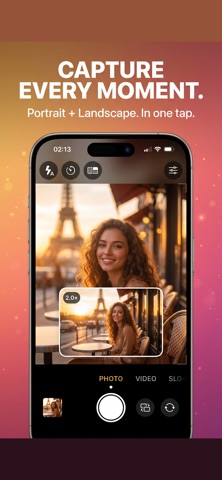
Capture two camera angles in one take with a picture-in-picture viewfinder.
- Published version
- 1.1.1
- Latest release
- 26 September 2026
- Device requirements
- iPhone with iOS 16.0 or later. Camera features depend on the model; see the compatibility answer below.
What you can do
Record both rear cameras
Capture wide and ultra-wide views together on supported iPhones.
Keep separate files
Save independent camera streams for your edit.
Control your shot
Photo, video and time-lapse modes, with optional premium recording controls. Camera features depend on your device.
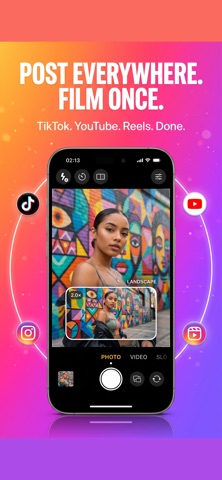
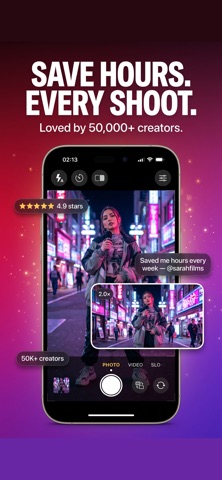
Inside the app
Screenshots from the current English-language App Store listing.
Getting started
- Use a compatible iPhone with wide and ultra-wide rear cameras, and allow camera access.
- Arrange the picture-in-picture preview and choose the capture mode you need.
- Record your take, then use the separate files from each camera in your edit. Check the App Store listing for premium recording formats.
Questions and answers
Which cameras does Dual Camera record?
It records wide and ultra-wide rear cameras together on compatible iPhones that have both lenses and support simultaneous capture. Single rear-camera models, such as iPhone SE, iPhone 16e and iPhone Air, do not provide that camera pair. Check the exact model and available modes before recording.
Is it free to download?
The app is free to download. Some features may require an in-app purchase or a subscription. Check the current product listing for features and prices in your country.
Full compatibility, privacy information and current prices are available on the product listing.
Open the official download page ↗