
iPhone
Clavio for iPhone
AI voice keyboard
A voice keyboard that turns speech into text you can refine and send.
- Published version
- 1.0.7
- Latest release
- 27 September 2026
- Device requirements
- iPhone with iOS 17.6 or later.
What you can do
Choose your tone
Use Casual, Work, Formal, Pro, Punchy or Raw output.
Keep useful words close
Save snippets and revisit raw and polished text in History.
See when you’re recording
Recording stays visible in a Live Activity. Dictation needs an internet connection, microphone permission and keyboard Full Access.
Inside the app
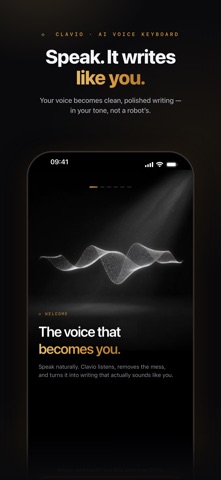
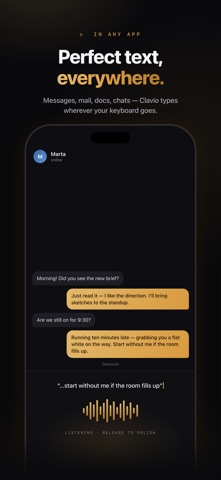
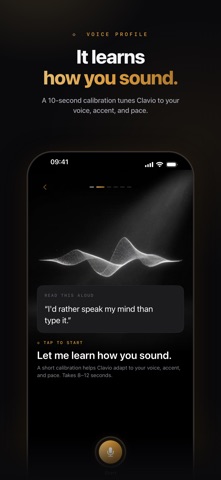
Screenshots from the current English-language App Store listing.
Getting started
- Install Clavio and add its keyboard in iPhone Settings. Allow Full Access and microphone access for dictation.
- Switch to the Clavio keyboard in a supported text field and speak your message.
- Choose a tone, review the text and refine it before sending. Recording remains visible in a Live Activity.
Questions and answers
Does dictation need an internet connection?
Yes. Clavio dictation needs internet access, microphone permission and keyboard Full Access. The app shows recording in a Live Activity.
Is it free to download?
The app is free to download. Some features may require an in-app purchase or a subscription. Check the current product listing for features and prices in your country.
Full compatibility, privacy information and current prices are available on the product listing.
Open the official download page ↗